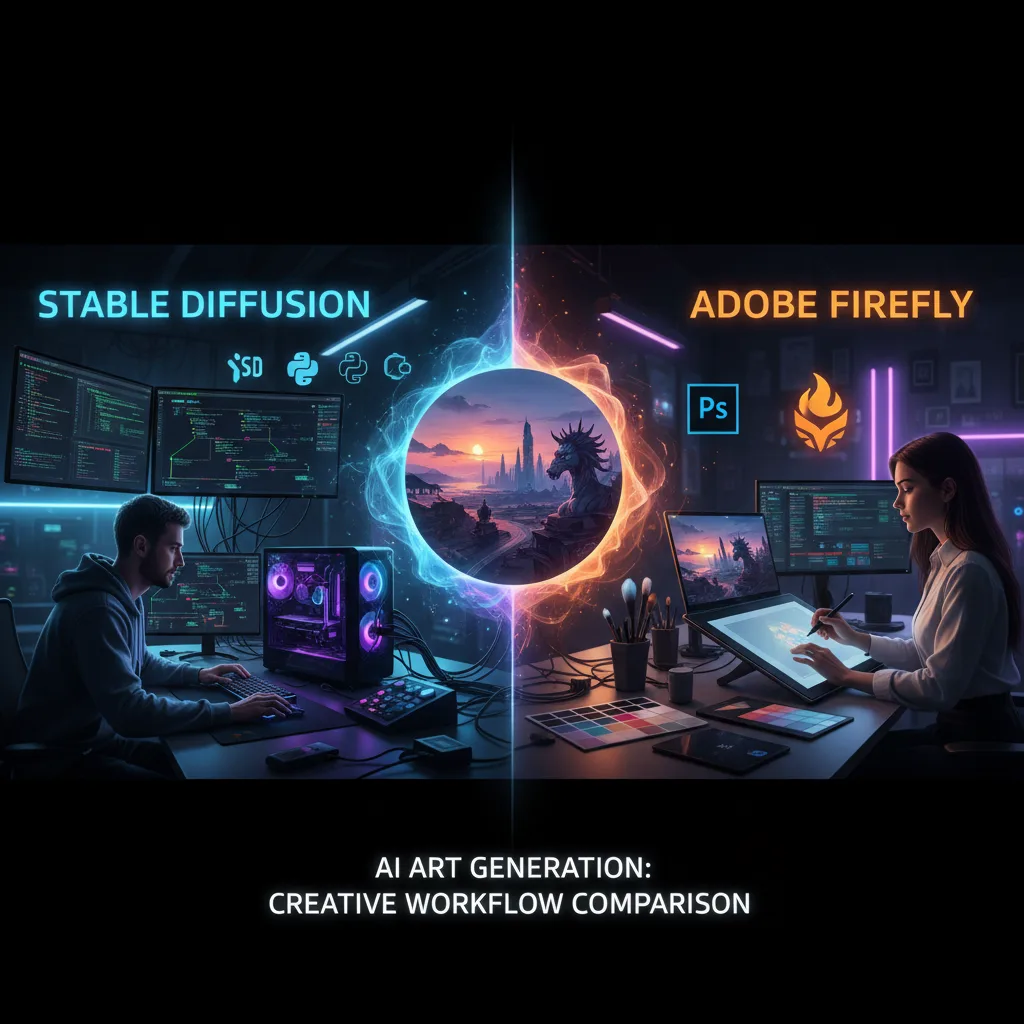





stable-diffusion wins this comparison
If you are comparing Stable Diffusion and Adobe Firefly in 2026, the real question is no longer “which image looks better in one benchmark?”
The real question is this:
- do you want control, self-hosting, and model freedom
- or do you want brand-safe workflow, Adobe integration, and managed access
That is why this comparison is still useful even though the URL is stuck on older “Firefly Image 3” wording. The products moved on. The practical divide stayed the same.
Quick Verdict
Choose Stable Diffusion if you want:
- local or self-hosted workflows
- broader customization and fine-tuning freedom
- provider choice across ComfyUI, Hugging Face, Stability API, Replicate, and others
- more technical control over how generation actually works
Choose Adobe Firefly if you want:
- a safer commercial story
- Adobe-native workflow fit
- team-friendly creative operations
- custom models and partner-model access inside one managed environment
If I have to pick one overall winner for the broadest power and long-term flexibility, it is still Stable Diffusion 3.5. If I am choosing for a brand team already living in Adobe’s stack, Firefly is the easier operational choice.
The Core Difference in 2026
Stable Diffusion 3.5 and Adobe Firefly are mature enough now that they represent two clearly different product shapes.
Stable Diffusion 3.5 is best understood as an open-weights ecosystem with a community license, not as a simple plug-and-play app. Stability’s own model card points users toward:
- ComfyUI for local node-based workflows
- Diffusers and GitHub for programmatic usage
- hosted endpoints through Stability AI, Replicate, and DeepInfra
That means Stable Diffusion is still the more flexible base if you want to shape the workflow yourself.
Adobe Firefly is now best understood as a managed creative hub. Adobe’s current product story centers on:
- Firefly Image Model 5
- custom models in public beta
- 30+ Adobe and partner AI models
- Firefly Boards
- desktop, web, and mobile access
- tighter movement into Photoshop, Express, and other Adobe tools
So this is not really “two image models enter, one image model leaves.” It is a comparison between:
- a customizable generation ecosystem
- and a safer, more structured creative platform
Licensing and Legal Reality
This is one of the most important differences, and a lot of older comparison pages still get it wrong.
Stable Diffusion 3.5
Stability AI’s current model card for stable-diffusion-3.5-large says the model is released under the Stability AI Community License.
That means:
- free for research and non-commercial use
- free for commercial use for individuals and organizations under $1M annual revenue
- enterprise licensing is required above that threshold
So Stable Diffusion 3.5 still gives you much more operational freedom than Firefly, but the cleanest accurate label is community-licensed open weights, not “fully unrestricted open source.”
Adobe Firefly
Adobe’s advantage remains commercial safety and enterprise comfort. Adobe says Firefly commercial models are trained on licensed content, including Adobe Stock, plus public-domain content where copyright has expired. Adobe also says it does not train Firefly foundation generative AI models on customer content.
That is still the clearest reason to choose Firefly:
- safer legal posture
- cleaner story for internal approvals
- better fit for agencies and enterprise teams
If legal review matters a lot, Firefly keeps the edge.
Workflow Fit
Where Stable Diffusion Wins
Stable Diffusion wins when the workflow needs to be shaped around your own stack.
That includes:
- local generation
- private workflows
- custom fine-tuning
- experimental pipelines
- model swaps and community tooling
- developer-heavy environments
You can build much more around Stable Diffusion than you can around Firefly. That is still its biggest strength.
Where Firefly Wins
Firefly wins when the workflow already lives inside Adobe’s environment.
That includes:
- image generation plus editing
- mood boarding and early creative exploration
- brand-consistent team output
- agency and in-house campaign work
- organizations that want less tool sprawl
Firefly is not the most adventurous generator in the category. But it is much better than it used to be at connecting generation to real production work.
Pricing Shape
This is another area where the comparison changed.
Stable Diffusion 3.5
Stable Diffusion does not really have one universal price.
You can use it through:
- self-hosting
- Stability AI’s own API
- Replicate
- DeepInfra
- other hosted providers
So the real Stable Diffusion cost is a mix of:
- hardware
- setup time
- infrastructure choice
- hosted provider pricing if you do not self-host
That can be extremely efficient for technical users, but it is not simple.
Adobe Firefly
Adobe’s public Firefly plans are much clearer:
- Free: $0/month
- Standard: $9.99/month with 2,000 monthly credits
- Pro: $19.99/month with 4,000 monthly credits
- Premium: $199.99/month with 50,000 monthly credits
Adobe also says paid plans include unlimited access to standard image features like Generative Fill and mood boards, while premium features and non-Adobe models use credits.
So Firefly is easier to budget as a managed subscription, but it is not the cheapest route for heavy experimentation.
Customization vs Safety
This is the trade-off most buyers actually feel.
Stable Diffusion 3.5 is better if you want:
- more control over the model stack
- fine-tuning and community extensions
- more freedom in how you deploy
- a more technical, less opinionated system
Adobe Firefly is better if you want:
- a cleaner approval path for brand work
- more structure and less operational overhead
- Adobe-native collaboration and editing flow
- custom models without taking on a fully self-managed stack
That is also why Firefly can feel more conservative. Adobe is optimizing for production fit, not for maximum creative chaos.
Which One Should You Pick?
Choose Stable Diffusion if:
- you are a technical creator or developer
- you care about self-hosting or privacy
- you want maximum control and model freedom
- you are comfortable building your own workflow
Choose Adobe Firefly if:
- you work in Adobe tools already
- your team cares about commercial safety
- you need a more centralized creative workflow
- your buyers are brand teams, agencies, or enterprise stakeholders
Final Verdict
For the broadest long-term leverage, Stable Diffusion 3.5 still wins. It gives advanced users more room to build, tune, host, and scale their own image stack.
But the gap is not “open good, Adobe bad.” Firefly’s 2026 story is much stronger than the old Image 3 framing suggested. Adobe is no longer just selling a safe generator. It is building a managed creative environment with custom models, partner-model access, and much better workflow positioning.
So the cleanest summary is:
- Stable Diffusion 3.5 wins on control
- Adobe Firefly wins on brand-safe workflow
If you are buying for a technical stack, choose Stable Diffusion. If you are buying for a design team inside Adobe’s world, Firefly may deliver faster value even if it is less flexible.