



Pros
- ✓ Exceptional photorealism and text generation quality
- ✓ Consistent brand style preservation across assets
- ✓ Production-ready SVG vector output
- ✓ Generous free tier for evaluation
Cons
- ✗ No bulk download option forces manual image retrieval
- ✗ Mobile apps lack core features like upscaling and inpainting
- ✗ Customer support is slow and often unhelpful
- ✗ Occasional artifacts in complex generations
Recraft's industry-leading AI model produces stunning, brand-consistent visuals, but critical platform limitations and poor mobile support make it difficult to recommend for professionals managing large-scale creative workflows.
Recraft positions itself as the comprehensive AI design suite built specifically for professional designers, creatives, and teams. With its proprietary V3 text-to-image model consistently ranking among the best in the world, the platform promises photorealistic generation, precise text rendering, and production-ready vector output—all while maintaining brand consistency across every asset. The reality, however, reveals a more complicated picture: a powerful AI engine hampered by platform restrictions and developmental shortcomings that professional users cannot ignore.
What Is Recraft?
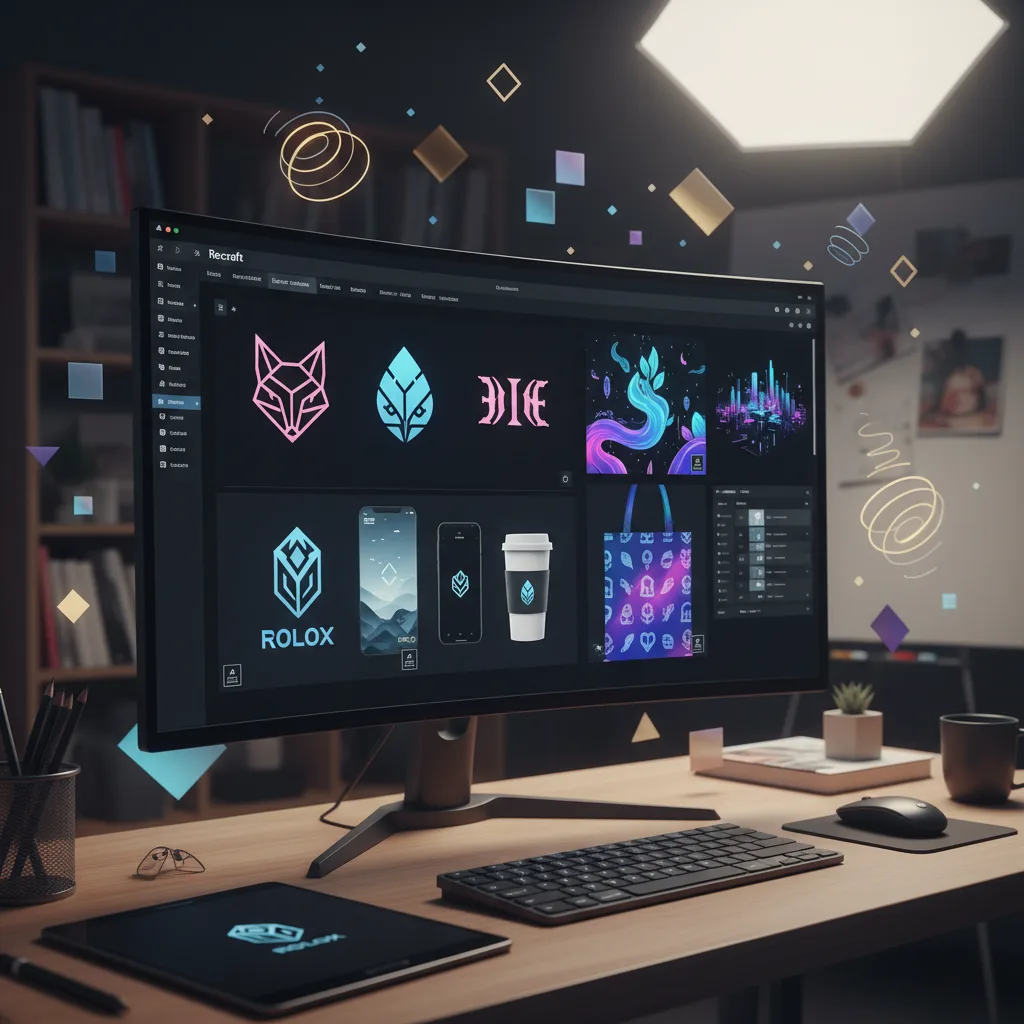
Recraft is a web-based AI design platform that combines image generation, editing, and brand management tools into a single workspace. Unlike general-purpose AI image generators, Recraft focuses on professional design workflows with features like vectorization, mockup generation, and style consistency controls. The platform operates on a freemium model, offering a robust free tier alongside paid Pro and Teams plans that unlock private generations and commercial rights.
The V3 Model: Genuine Technical Excellence
Recraft’s foundation is its self-developed V3 model, which delivers measurable improvements in several critical areas:
Photorealism That Holds Up The platform generates images with authentic, lifelike details that avoid the uncanny valley effect plaguing many competitors. Skin textures, lighting, and material properties render naturally, making it suitable for commercial photography applications.
Text Generation Accuracy Where most AI image generators struggle with spelling and typography, Recraft produces readable, properly formatted text for ads, posters, and social media content. This alone sets it apart for marketing professionals.
Production-Ready Vectors Perhaps most impressively, Recraft generates precise, editable SVG files that scale infinitely without quality loss. Logo designers and brand specialists can export directly into professional workflows without redrawing assets.
Brand Style Consistency By uploading reference images, users create instant custom styles without training models. The system maintains colors, aesthetic qualities, and visual language across entire illustration sets or photoshoots.
Comprehensive Feature Set
Recraft organizes its capabilities into nine core functions:
- Upscale enhances resolution while preserving sharpness for print-ready output
- Vectorize converts raster images into clean, editable vectors ideal for logos and icons
- Mockup Generator transforms flat designs into realistic product previews
- Background Removal isolates subjects and generates new contextual backgrounds
- Inpaint/Outpaint edits within or extends beyond the original frame seamlessly
- Illustration Sets creates multiple visuals in a consistent style from single prompts
- Logo Generator produces scalable, editable brand concepts
- Poster Designer generates layout-balanced promotional materials
- Icon Sets maintains visual consistency across entire interface libraries
The interface mirrors traditional design tools with layers, frames, commenting, and sharing capabilities built around an infinite canvas—reducing the learning curve for designers moving from Adobe Creative Suite or Figma.
Pricing and Plans
Recraft’s pricing structure reflects its professional positioning:
Free Plan
- Public images owned by Recraft
- Limited commercial usage rights
- Community gallery visibility
- Basic generation capabilities
Pro Plan
- Private generations with full commercial ownership
- Monthly credit allowances (1,000, 4,000, or 8,400 options) with operations costing 1 credit for raster generation and 2 credits for vector generation
- Unlimited image uploads
- Priority processing with 10 concurrent jobs
- Access to external models and artistic level controls
- Magic wand selection tool and Creative Upscale
- Custom color palette input
Teams and Enterprise
- Custom pricing for collaborative workflows
- Centralized brand management
- Administrative controls and shared workspaces
Credits do not roll over month-to-month, though top-up packs (400 credits, never expiring) supplement monthly allowances. Annual subscriptions offer approximately 20 percent savings.
The Critical Problems Professionals Must Consider
Despite impressive technology, several fundamental issues undermine Recraft’s value proposition for serious creative work.
The Bulk Download Prohibition
As of late 2025, Recraft does not yet support programmatic bulk downloading of created images. The feature is currently in development according to Recraft’s official feature request page. When questioned about alternatives for users with portfolios containing hundreds of assets, support provided no solutions. This forces professionals to manually download each image individually—a crippling time sink for agencies and high-volume creators.
Mobile App Deficiencies
Recraft’s mobile applications lack essential features available on web. While core generation features are supported, upscaling, inpainting, and model presets have limited functionality on iOS and Android, forcing mobile-reliant users to juggle multiple services. For teams promising “every AI design tool in one place,” this fragmentation proves frustrating.
Development and Support Concerns
Users report updates pushed without adequate testing or community feedback. The official feedback system resides on a third-party forum many customers don’t know exists, resulting in low participation and unaddressed issues. Support responses consistently arrive slowly and rarely resolve underlying problems. No public roadmap provides visibility into planned improvements, creating uncertainty about whether current limitations will ever be addressed.
Generation Artifacts
While generally excellent, the V3 model occasionally produces flawed outputs—particularly with human hands and complex text layouts. These inconsistencies require manual review and occasional regeneration, though this issue is less severe than with many competing platforms.
Who Should Use Recraft?
Recraft best serves individual designers and small agencies with moderate output volumes who primarily work on desktop browsers. Its vector capabilities and style consistency make it ideal for brand identity projects, marketing campaigns, and app visual development. The generous free tier allows thorough evaluation before financial commitment.
The platform poorly suits high-volume production studios, enterprise teams requiring API automation, or creators needing reliable mobile workflows. The bulk download restriction alone disqualifies it for professionals managing extensive asset libraries.
The Competitive Landscape
Recraft competes directly with Midjourney, Adobe Firefly, and Stable Diffusion platforms. It surpasses most in text generation and vector output quality, while its style consistency tools rival Adobe’s brand kit integrations. However, Adobe’s robust bulk export and enterprise features highlight Recraft’s workflow limitations. For professionals evaluating alternatives, our best AI image generators guide provides comprehensive comparisons across the leading platforms.
Final Verdict
Recraft’s V3 model represents genuine advancement in AI design technology, delivering exceptional quality that deserves its high community ratings. The platform’s refusal to support bulk asset management, however, reveals a fundamental misunderstanding of professional workflows. Combined with underdeveloped mobile apps and inadequate support, these limitations transform a potential industry leader into a specialized tool suitable only for specific use cases.
Design teams should monitor Recraft’s development, as resolving these platform issues would make it a must-have solution. For now, approach with caution and test thoroughly against your workflow requirements before committing to annual plans. Those seeking more comprehensive workflow solutions might consider our comparison between Midjourney V7 and Adobe Firefly to understand how established platforms handle professional design needs.