






Pros
- ✓ Best creative upscaler when you want invented detail rather than strict fidelity
- ✓ Excellent finishing step for Midjourney, FLUX, fantasy art, posters, and concept work
- ✓ Creative and precision upscaler variants are exposed through the official API page
Cons
- ✗ Pricing is harder to benchmark because final prices are shown at purchase time
- ✗ No refunds, which makes the wrong purchase expensive
- ✗ Easy to overcook faces, textures, and realism if creativity settings are pushed too far
Magnific is still the clearest premium creative-upscaling buy in April 2026, but it is not a conservative restoration tool. Buy it for controlled hallucination and AI-art finishing.
The Honest Status of Magnific on April 29, 2026
Magnific is still one of the easiest AI tools to buy for the wrong reason.
It is not the best general-purpose upscaler. It is not the safest photo restoration tool. It is not the lowest-risk budget option.
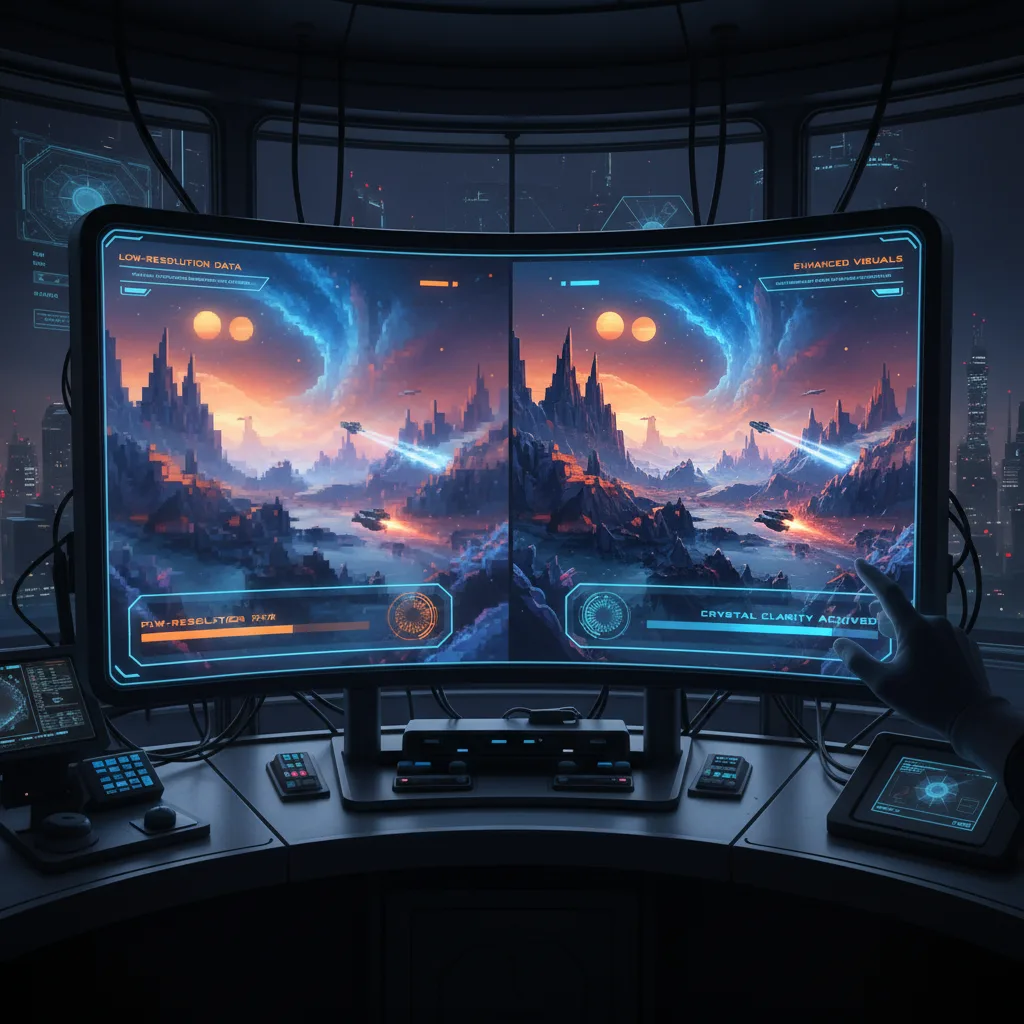
Magnific is best understood as a creative detail engine. It upscales, but the real value is that it can add believable new detail to an image using prompts and controls. Magnific’s own FAQ describes the ability to control hallucinations and new details through settings like Creativity, HDR, and Resemblance.
That is why it can make Midjourney, FLUX, fantasy art, posters, game assets, and concept images look dramatically richer. It is also why it can damage a faithful photo restoration job if you use it too aggressively.
Quick Buyer’s Answer
Buy Magnific if you want creative upscaling and AI-art finishing. It is strongest when the source image is already good and you want more density, texture, detail, or cinematic finish.
Skip Magnific if you need faithful restoration, predictable low-cost processing, or a refund-friendly test purchase. Start with Upscayl for free local upscaling or Topaz Gigapixel for conservative photo work.
For the broader category, use our best AI image upscalers 2026 guide.
What Magnific Actually Sells
Magnific’s homepage says it can upscale, transform, or generate an image, and emphasizes that users can guide the result with prompts and parameters. The key phrase is not simply “upscale.” It is the ability to reimagine details.
The official API page also makes the product family clearer than older reviews do. Magnific now exposes:
- Magnific Upscaler Creative
- Magnific Upscaler Precision
- Mystic Image Generator
- Magnific Skin Enhancer
That matters because Magnific is no longer just one viral upscaling demo. It is a small family of creative image enhancement products, with a Freepik-hosted API path for builders.
Where Magnific Wins
1. Creative AI-art finishing
This is Magnific’s core lane. Use it when you want an image to feel more expensive, more detailed, or more finished than the base generation.
Good fits include:
- fantasy and sci-fi art
- album covers
- posters
- game assets
- concept art
- stylized advertising visuals
- Midjourney or FLUX images that look good but too thin
2. Prompt-guided enhancement
Most conservative upscalers ask: “How do we preserve the source?”
Magnific asks: “How much new detail should we invent?”
That is a different creative control surface. It can be powerful when the user understands the trade-off.
3. Distinct identity
Krea is broader. Topaz is more conservative. Upscayl is cheaper. Adobe is more integrated.
Magnific’s reason to exist is narrower and clearer: make AI-generated or stylized images look richer.
Buyer Risks
1. Pricing is checkout-based
Magnific’s FAQ says applicable prices are those displayed on the pricing page at the time of purchase, with local currency where possible and potential VAT/local taxes depending on region. It also says annual subscriptions include two months free.
That means old fixed-price review claims are risky. Check the current checkout before buying.
2. No refunds
Magnific’s FAQ says it does not offer refunds because the AI upscaling process has substantial GPU costs and upstream providers do not refund that processing.
That makes the purchase higher risk than a free local tool or a product with an easier trial path.
3. Hallucination can become damage
Magnific’s best feature is also the thing that breaks images. Push the settings too far and the output can produce:
- plastic skin
- fake texture
- incorrect facial detail
- over-sharpened surfaces
- fantasy detail where the job needed fidelity
For restoration work, that is a problem. For concept art, it may be the point.
Magnific vs Upscayl vs Topaz
| Tool | Best Use | Buying Logic |
|---|---|---|
| Magnific | Creative upscaling and AI-art finishing | Pay for controlled hallucination |
| Upscayl | Free local upscaling | Start here if budget or privacy matters |
| Topaz Gigapixel | Faithful photo restoration | Use when faces and source fidelity matter |
Who Should Buy Magnific
Magnific makes sense for:
- AI artists
- concept designers
- cover designers
- poster designers
- creators who already generate strong base images
- teams selling premium visual polish
It is weaker for:
- family photo restoration
- faithful archival work
- budget buyers
- buyers who need a low-risk refund policy
- procurement teams that need stable public plan tables
Final Verdict
As of April 29, 2026, Magnific is still the best-known premium creative upscaler.
But the recommendation is narrow:
- Buy Magnific for creative detail invention, AI-art finishing, and stylized commercial visuals.
- Skip Magnific for faithful restoration, low-risk trialing, or budget-first upscaling.
If you understand that distinction, Magnific is compelling. If you just want a bigger version of the same photo, start somewhere else.