




Pros
- ✓ Highly flexible
- ✓ Excellent memory optimization
- ✓ Free and open-source
- ✓ Extensive community
Cons
- ✗ Steep learning curve
- ✗ Requires technical setup
- ✗ GPU required
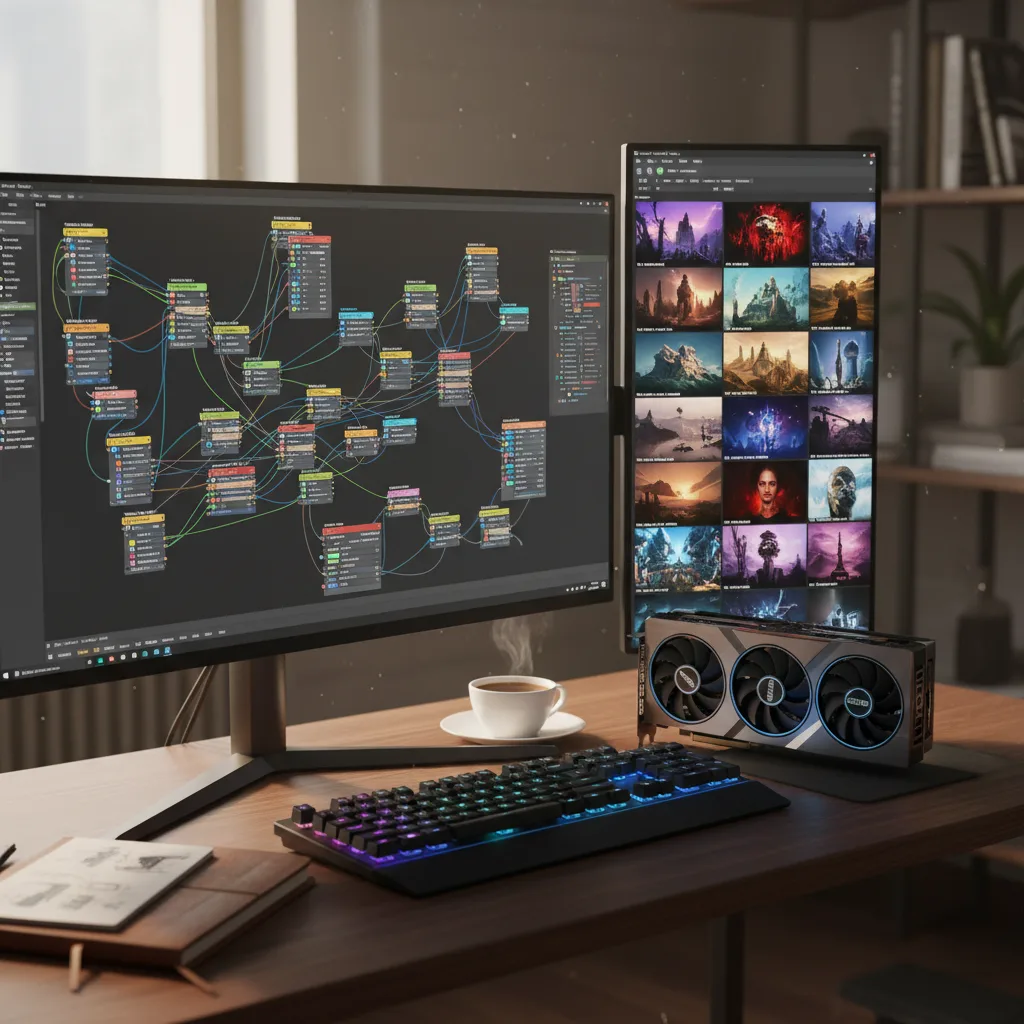
ComfyUI is a powerful, modular visual AI engine that enables users to design and execute advanced stable diffusion pipelines using an intuitive graph/nodes/flowchart-based interface.
If you’re serious about AI image generation in 2025, you’ve likely encountered ComfyUI—the node-based powerhouse that has become the industry standard for creators who refuse to be limited by one-click interfaces. While tools like Midjourney and DALL-E 3 prioritize simplicity, ComfyUI takes the opposite approach: maximum control through a visual programming interface that lets you build complex AI pipelines from scratch.
The question isn’t whether ComfyUI is capable—it demonstrably is. The real question is whether its power justifies its complexity for your specific needs in today’s rapidly evolving AI landscape.
What Is ComfyUI?
ComfyUI is an open-source, node-based interface and inference engine for generative AI. Unlike traditional UIs that hide the underlying mechanics behind simple prompt boxes and sliders, ComfyUI exposes every component of the generation process as connectable nodes. Think of it as visual programming for AI: you chain together loaders, samplers, conditionings, and processors to create highly customized workflows.
Created by comfyanonymous and maintained by a vibrant community, ComfyUI supports virtually every major generative AI model released in the past three years—from Stable Diffusion variants and Flux to video models like Mochi and Hunyuan Video, and even audio and 3D generation models.
Core Features That Define ComfyUI in 2025
Unmatched Model Support
ComfyUI’s greatest strength lies in its extensive model compatibility. As of December 2025, it natively supports:
- Image Models: SD1.x, SD2.x, SDXL, SD3/3.5, Stable Cascade, Flux, Flux 2, Pixart, AuraFlow, HunyuanDiT, Lumina 2.0, HiDream, Qwen Image
- Image Editing: Omnigen 2, Flux Kontext, HiDream E1.1, Qwen Image Edit
- Video Models: Stable Video Diffusion, Mochi, LTX-Video, Hunyuan Video, Wan 2.1/2.2
- Audio Models: Stable Audio, ACE Step
- 3D Models: Hunyuan3D 2.0
This breadth means you’re never locked into a single ecosystem. When a new model drops, the community typically has ComfyUI integration within days.
Intelligent Performance Optimizations
ComfyUI includes several technical innovations that make it surprisingly efficient:
- Partial Execution: Only re-runs nodes that have changed between generations, saving massive amounts of computation time when tweaking prompts or parameters
- Smart Memory Management: Can run large models on GPUs with as little as 1GB VRAM through intelligent offloading
- Asynchronous Queue: Queue multiple workflows and continue working while they process
- CPU Fallback: Works without a GPU (though significantly slower)
Reproducibility and Sharing
Every workflow can be saved as a JSON file and shared with others. Even better, ComfyUI can embed complete workflows (including seeds) directly into PNG, WebP, and FLAC metadata, allowing anyone to load an image and instantly see exactly how it was created.
The ComfyUI Manager Ecosystem
The ComfyUI-Manager extension transforms the user experience by providing:
- One-click installation of 500+ custom nodes from the community registry
- Automatic model downloading and organization
- Snapshot management for backing up and restoring entire setups
- Update management for keeping nodes current
Installation Options: Choose Your Complexity Level
1. Local Installation (Most Flexible)
Best for: Developers, researchers, users with existing NVIDIA GPUs
The manual installation process remains the most powerful but most intimidating option: bash git clone https://github.com/comfyanonymous/ComfyUI.git cd ComfyUI python -m venv venv source venv/bin/activate # or .\venv\Scripts\activate on Windows pip install -r requirements.txt python main.py Requirements: NVIDIA GPU with 6GB+ VRAM (8-24GB recommended), Python 3.10+, Git, and comfort with command-line operations.
Pros: Full control, immediate access to updates, complete customization Cons: Complex setup, dependency management, requires technical expertise
2. ComfyUI Desktop (Most Accessible)
Best for: Beginners, artists who want stability
The official desktop application, first launched in late 2024 and actively developed, has become the recommended entry point. Available for Windows and macOS, it provides a one-click installer that bundles Python, Git, and all dependencies.
Installation is straightforward: download from comfy.org/download, run the installer, select your GPU, and launch. The desktop version includes automatic updates and a polished interface, though it receives updates less frequently than the core repository.
Limitations: Less flexibility for custom node installation, not ideal for code development, limited remote access configuration.
3. Comfy Cloud (Most Convenient)
Best for: Users without powerful hardware, teams needing burst compute
Comfy Cloud eliminates setup entirely, running on Blackwell RTX 6000 Pro GPUs with 96GB VRAM. Comfy Cloud is transitioning to a unified credit-based system.
Current Pricing:
- Comfy Plan: $20/month with credit-based usage
- Founder’s Edition: Special rates for early subscribers
- Usage: Credits consumed based on GPU time
- Job Limit: Varies by plan tier
What’s Included:
- 500+ pre-installed models
- Support for top 10 most-used custom nodes
- Partner Nodes for proprietary models
- Encrypted data storage
- Queue up to 4 workflows simultaneously
The Comfy Cloud Pricing Evolution
Comfy Cloud’s transition to a unified credit system represents a significant shift. Previously, Partner Nodes required separate payment from subscriptions. Now, everything runs on unified Comfy Credits. This ensures fair access to premium hardware but adds complexity—you’ll need to monitor credit consumption carefully.
For existing subscribers, the Founder’s edition provides bonus credits as long as you maintain an active subscription, softening the transition.
Who Should Use ComfyUI in 2025?
Perfect For:
- Power users who need granular control over every generation parameter
- Researchers experimenting with novel AI pipelines and model combinations
- Studios building reproducible production workflows
- Tinkerers who enjoy visual programming and node-based systems
- Budget-conscious users with existing hardware (local version is free)
Not Ideal For:
- Complete beginners seeking one-click image generation
- Casual users who generate fewer than 10 images per week
- Those without GPUs who are price-sensitive (cloud costs add up)
- Developers needing tight integration with existing codebases (though the API exists)
Pros and Cons at a Glance
Strengths:
- Ultimate Flexibility: Node-based architecture allows workflows impossible in other UIs
- Massive Model Support: New models integrated rapidly by community
- Performance: Smart optimizations make it more efficient than many alternatives
- Community: Thousands of shared workflows and custom nodes
- Cost Options: Free local use or convenient cloud access
- Reproducibility: Complete workflow embedding and sharing
Weaknesses:
- Learning Curve: Steep initial barrier to understanding node connections
- Setup Complexity: Manual installation requires technical knowledge
- Desktop Limitations: Less frequent updates and reduced flexibility
- Cloud Costs: Credit system can be confusing; costs escalate with heavy use
- Hardware Demands: Local version requires significant GPU resources for modern models
- Time Investment: Mastering advanced workflows takes dozens of hours
The Verdict
ComfyUI in 2025 remains the definitive tool for AI generation purists. Its node-based architecture offers capabilities that simply don’t exist in simplified interfaces, making it indispensable for professionals who need reproducible, complex workflows. The addition of ComfyUI Desktop has lowered the entry barrier significantly, while Comfy Cloud provides a viable path for hardware-constrained users.
However, the tool’s fundamental complexity hasn’t changed. If you’re seeking casual AI art creation, alternatives like Leonardo AI or Ideogram with simpler interfaces will serve you better. But if you’re willing to invest time learning its visual programming paradigm, ComfyUI rewards you with unlimited creative potential and a direct line to the cutting edge of generative AI.
For our audience at AI Photo Labs, ComfyUI earns its 4.5/5 rating not by being perfect for everyone, but by being unequivocally the best at what it does: providing maximum control to those who demand it. If you’re interested in exploring other powerful AI image generation tools, check out our comprehensive guide to the best AI image generators in 2025, or dive into our detailed comparison of Midjourney V7 vs Flux 2 to see how ComfyUI’s supported models stack up against the competition.