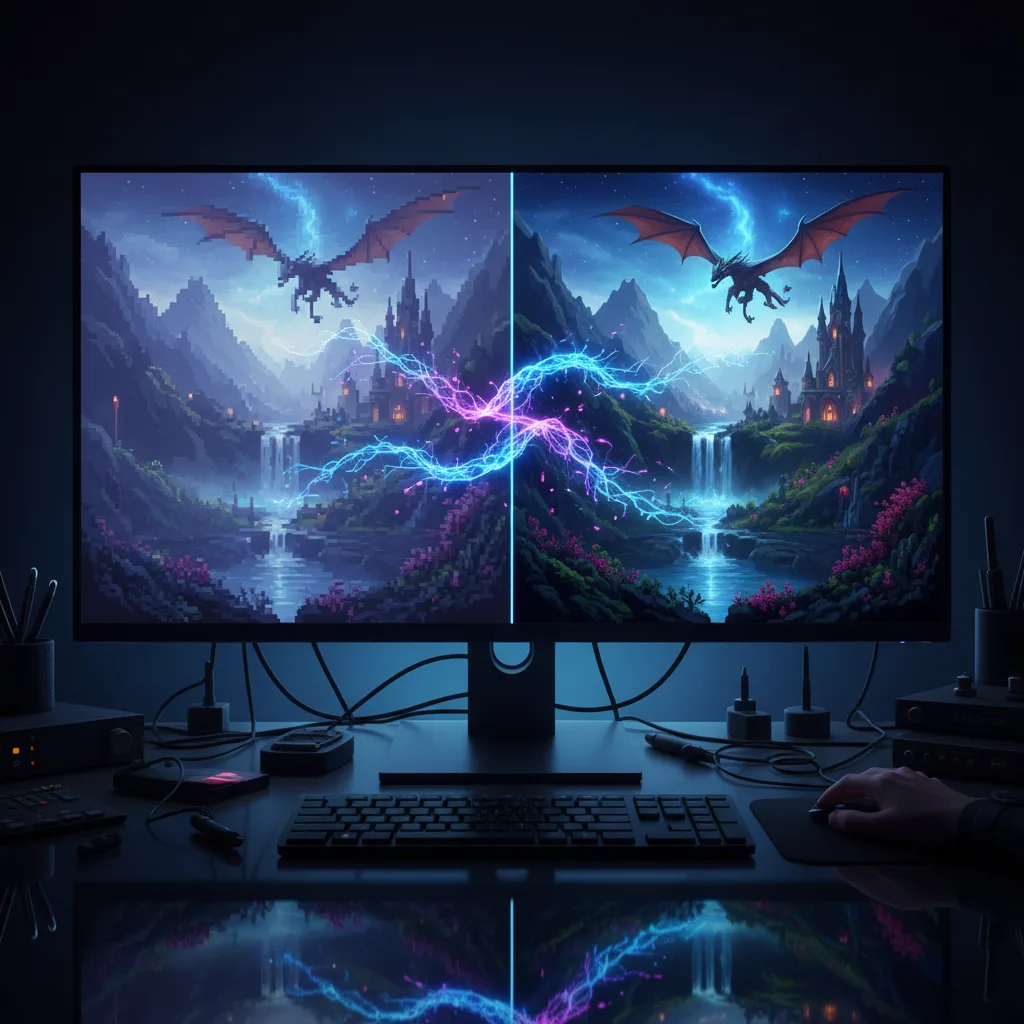



From Blurry to Beautiful: AI Image Upscaling Guide 2025
Your AI-generated masterpiece deserves better than 512×512 pixels. Whether you’re printing portfolio pieces, creating marketing materials, or restoring vintage photographs, AI upscaling has evolved from a niche tool into an essential part of the modern creative workflow. In 2025, the technology has matured dramatically—today’s models don’t just enlarge images; they intelligently reconstruct细节, predict missing textures, and breathe new life into compressed or low-resolution sources.
This guide cuts through the noise to deliver practical, tested workflows for the most powerful upscaling tools available right now, from open-source powerhouses to enterprise-grade cloud solutions.
Why AI Upscaling Matters in 2025
The average smartphone captures 12+ megapixel images, yet many AI art platforms still generate at sub-2MP resolutions, though leading platforms like FLUX.1 Pro Ultra now support up to 4 megapixels (2K resolution). This gap creates a critical problem: how do you bridge the divide between generation and production-quality output?
Traditional interpolation—bilinear, bicubic, Lanczos—merely stretches existing pixels, producing soft, lifeless results. AI upscaling, by contrast, leverages deep convolutional neural networks trained on millions of image pairs to predict and reconstruct realistic details. The difference isn’t incremental; it’s transformational. A 4x upscaled image can reveal individual strands of hair, crisp architectural details, and natural fabric textures that simply didn’t exist in the source.
In 2025, three major developments have changed the game:
- Hybrid models that combine super-resolution with generative enhancement
- Real-time processing on consumer hardware
- Specialized architectures for specific content types (anime, photography, text)
Understanding the Technology: How AI Upscaling Works
Before diving into tools, grasp the fundamentals. AI upscalers employ generative adversarial networks (GANs) or diffusion-based architectures trained through a clever process:
- Synthetic degradation: High-res images are artificially downscaled and corrupted to simulate real-world camera blur, compression artifacts, and noise
- Blind super-resolution: Models learn to reverse this damage without knowing the exact degradation type
- Latent space manipulation: Advanced systems operate in compressed latent spaces, enabling faster processing and better semantic understanding
The result? Models like Real-ESRGAN don’t just sharpen—they hallucinate plausible details based on learned patterns, similar to how humans mentally “fill in” missing visual information.
Top AI Upscaling Tools of 2025
Topaz Gigapixel AI: The Professional’s Choice
The industry standard for photographers and studios, Topaz Gigapixel AI offers a polished interface with seven distinct processing sections: menu navigation, enhancement panel, real-time preview, and batch file list. Its latest version supports six languages and includes cloud rendering credits for heavy workloads.
Best for: Portraits, architectural photography, and batch processing
Standout feature: Face recovery with dedicated AI models
Limitation: Premium pricing; requires robust local GPU
Real-ESRGAN: The Open-Source Powerhouse
Developed by Tencent ARC Lab, Real-ESRGAN extends the original ESRGAN with practical real-world training. The ecosystem includes:
- realesrgan-x4plus: General-purpose photography
- realesrgan-x4plus-anime-6B: Optimized for illustrations (6 billion parameters)
- realesr-animevideov3: Temporal consistency for video upscaling
Available as Python scripts, portable NCNN executables (Windows/Linux/macOS), and cloud demos. The NCNN version requires no CUDA installation—perfect for quick deployment.
Best for: Technical users, anime content, video frames
Standout feature: Free, customizable, and model-swappable
Limitation: Command-line interface; steeper learning curve
Cloud APIs: Google Imagen & Imagine.art
For developers and enterprise workflows, cloud APIs offer scalability:
Google Vertex AI Imagen 4.0: Upscale up to 4x with automatic watermarking. Supports 17-megapixel output limits and integrates with GCP infrastructure. Ideal for automated pipelines. Google’s latest Imagen 4 model represents a significant leap forward in AI image generation capabilities.
Imagine.art Creative Upscale: Adds artistic enhancement beyond pure super-resolution, with customizable filters and style preservation. RESTful API with straightforward binary image responses.
Best for: SaaS applications, bulk processing, team collaboration
Standout feature: No local hardware requirements; predictable pricing
Limitation: Data privacy considerations; ongoing costs
Adobe Photoshop: The Integrated Workflow
Photoshop’s Generative Upscale (via Camera Raw) offers 2x or 4x scaling options with output limits up to 8MP for Firefly Upscaler (standard) and up to 56MP for Topaz Gigapixel (premium). Tightly integrated with layer workflows, Smart Objects, and adjustment layers.
Best for: Existing Adobe Creative Cloud users
Standout feature: Non-destructive editing; familiar interface
Limitation: Requires subscription; less control than dedicated tools
Upscayl: The Free Alternative
A free, open-source GUI wrapper for Real-ESRGAN that runs on Vulkan-compatible GPUs. Available on Flathub, AppImage, and native app stores. Version 2.15 introduced batch processing and improved macOS support, though batch processing has known bugs (see GitHub issues #1206, #1350, #1380).
Best for: Hobbyists, students, budget-conscious creators
Standout feature: Zero cost; cross-platform
Limitation: Requires compatible GPU; fewer advanced options
Choosing the Right Tool: Decision Matrix
| Use Case | Recommended Tool | Why |
|---|---|---|
| Professional photography | Topaz Gigapixel AI | Superior face recovery, batch workflow |
| Anime/illustrations | Real-ESRGAN Anime models | Specialized training, smaller artifacts |
| Quick social media posts | Adobe Photoshop | Fast, integrated, no new software |
| Developer integration | Google Imagen API | Scalable, documented, reliable |
| Budget projects | Upscayl | Free, quality results, easy GUI |
| Stable Diffusion workflow | R-ESRGAN 4x+ | Built into AUTOMATIC1111, optimized |
Step-by-Step Workflows
Workflow 1: Real-ESRGAN for Technical Users
Setup:
# Install via pip
pip install realesrgan

# Download model
wget https://github.com/xinntao/Real-ESRGAN/releases/download/v0.1.0/RealESRGAN_x4plus.pth
Basic upscaling:
python inference_realesrgan.py -n RealESRGAN_x4plus -i input.jpg -o results/Advanced options:
--outscale 3.5: Arbitrary scaling (uses Lanczos4 post-resize)--face_enhance: Integrates GFPGAN for portraits--tile 512: Prevents OOM on large images--fp32: Higher precision for 16-bit sources
Batch processing: Point -i to a directory; all images will be processed sequentially.
Workflow 2: Topaz Gigapixel AI for Professionals
- Import: Drag images into File List panel or use “Open”
- Select AI Model: Choose from Standard, Lines, Art & CG, or Low Resolution
- Configure Enhancements:
- Suppress Noise: 0-100 (start at 20 for digital art)
- Remove Blur: 0-100 (start at 30 for camera shake)
- Fix Compression: 0-100 (use 40+ for JPEG artifacts)
- Preview: Use Split view (drag divider) or Side-by-Side mode
- Output Settings: Set scale (2x, 4x, 6x), format, and color space
- Batch: Add multiple images, apply settings globally, click “Start”
Pro tip: Enable “Auto-detect settings” for mixed-content batches, but manually tune for critical images.
Workflow 3: Google Imagen API for Developers
import base64
import requests

# Encode image
with open("input.jpg", "rb") as f:
    image_bytes = base64.b64encode(f.read()).decode("utf-8")

# API request
response = requests.post(
    f"https://{REGION}-aiplatform.googleapis.com/v1/projects/{PROJECT_ID}/locations/{REGION}/publishers/google/models/imagen-4.0-upscale-preview:predict",
    headers={"Authorization": f"Bearer {TOKEN}"},
    json={
        "instances": [{
            "prompt": "Upscale the image",
            "image": {"bytesBase64Encoded": image_bytes}
        }],
        "parameters": {
            "mode": "upscale",
            "upscaleConfig": {"upscaleFactor": "x4"}
        }
    }
)

# Save result
output_bytes = response.json()["predictions"]["bytesBase64Encoded"]
with open("output.png", "wb") as f:
    f.write(base64.b64decode(output_bytes))
Key parameters:
upscaleFactor: “x2”, “x3”, or “x4”mimeType: “image/png” or “image/jpeg”compressionQuality: 0-100 for JPEG
Advanced Techniques & Best Practices
The SD Upscale Method
For Stable Diffusion users, pure upscaling is just the start. The SD Upscale script combines super-resolution with detail synthesis:
- Initial upscale: Use R-ESRGAN 4x to reach target resolution
- Img2img pass: Set denoising strength to 0.1-0.3
- Prompt: Use original prompt + “highly detailed”
- Settings: 100 steps, CFG 7-10, 512x512 tiles
This eliminates upscaling artifacts and adds coherent details that match the original composition. For more advanced prompting techniques, check out our comprehensive guide to AI image prompting.
Tile-Based Processing
Large images exceed GPU memory. Tile with 20-30% overlap to prevent seam artifacts:
# Real-ESRGAN tile example
python inference_realesrgan.py -i huge.jpg -o output/ --tile 512 --tile_pad 100
Model Selection Strategy
- Photorealistic: RealESRGAN_x4plus
- Anime/art: RealESRGAN_x4plus_anime_6B
- Faces: Enable GFPGAN or use Topaz Face Recovery
- Text/graphics: Photoshop Super Resolution preserves edges best
Quality Control Checklist
- Input quality: Garbage in, garbage out. Start with best possible source
- Scale factor: 4x is standard; beyond 6x requires multiple passes
- Format: Use PNG for intermediate steps; JPEG only final export
- Color space: Keep sRGB for web; Adobe RGB for print
- Sharpening: Apply last; avoid double-sharpening
The Verdict: Building Your Upscaling Stack in 2025
There’s no universal “best” upscaler—only the right tool for your workflow. For individual creators, the Real-ESRGAN + Upscayl combo delivers 90% of premium quality at zero cost. Professional studios should invest in Topaz Gigapixel AI for its batch efficiency and face recovery. Developers must evaluate cloud APIs based on volume, privacy, and integration needs.
The fundamental principle remains: upscale early in your pipeline, preserve maximum bit depth throughout, and always keep your original files. As AI models continue evolving, the gap between generated and captured imagery narrows—making effective upscaling not just a nice-to-have, but a critical competitive advantage.
Start with Upscayl to learn the ropes. When you hit its limits, you’ll know exactly which premium feature justifies the investment. For those working with portrait photography, consider combining upscaling with our guide to mastering cinematic lighting in AI portraits for truly professional results.